




Send Files
Effortlessly

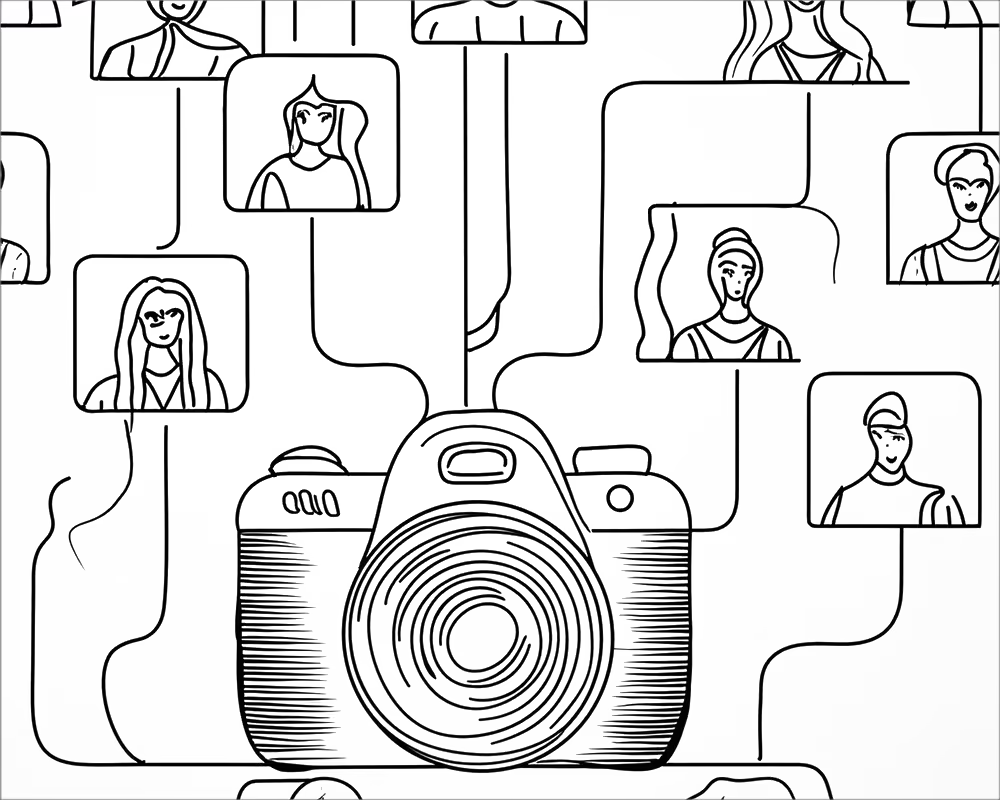
Seamless image transfer from camera to client for photographers who don't have time to waste.

From Camera to Client, with no added steps.

Get your photos where they need to go, faster.


For Photographers and creatives that need speed.

Capture your photos/videos

Supported natively by Sony, Canon, Nikon and Fuji camera using SFTP or FTP.

Seamlessly Transmit live from camera or computer

Our global servers ensure the fastest possible connections to storage that is always live and secured.

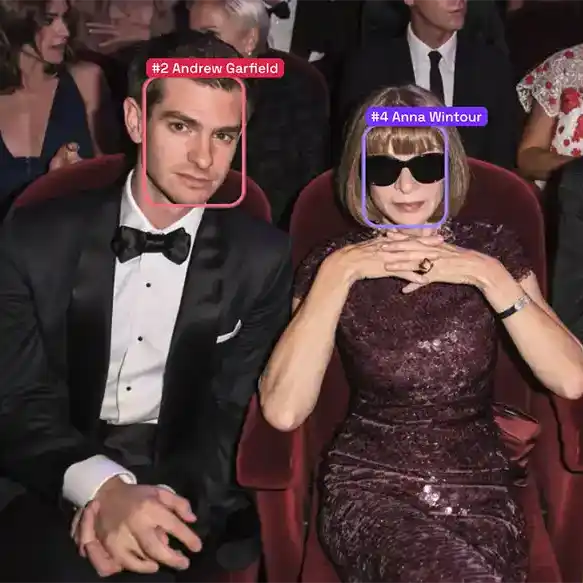
Automatically apply captions, use facial recognition to dynamically name your subjects and ensure your images are ready for use.

Received by an editor, or shared with a client

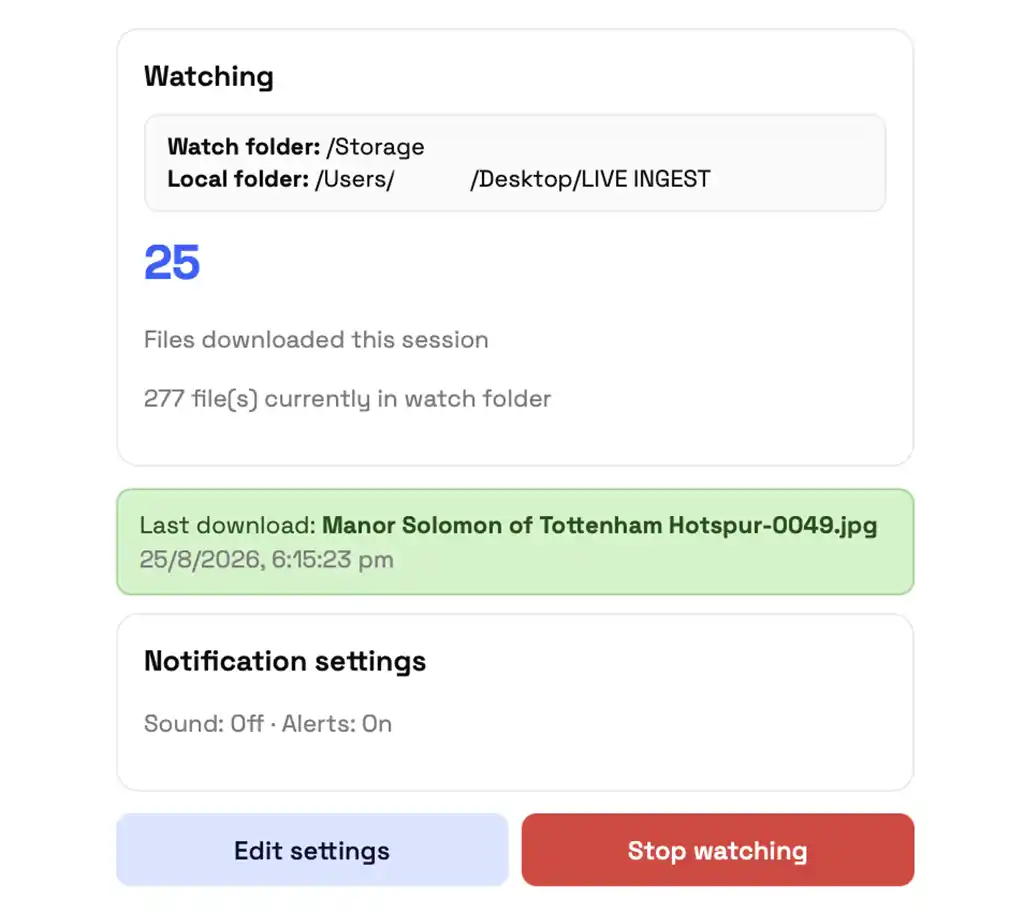
Share gallery links, use our Auto-Downloader Software to instantly receive uploaded images or automatically sync your images to Dropbox, Box, Google Drive or external FTP/SFTP accounts.

Delivered in record time

Get your images and videos where they need to be faster than ever before

Keep your clients happy, and charge more

Add additional value to your images by increasing your speed to market.

Send Files is built by photographers, for photographers.

Lightning fast performance for the highest stress moments. We are trusted around the world to get your photos delievered as fast as possible.

We're constantly adding new features - and listening to your feedback to build you tools that make your life easier.

Sports
Perfect for in-house content teams or freelancers looking to share the match winning moment in real time.

Use AI captioning to automatically name athletes

Send Files helps facilitate photo delivery for teams from the Australian Open, the NBA, and international Rugby.

Entertainment
For entertainment photographers getting images to clients as quickly as possible is the difference between getting paid or not.

Get your photos captioned instantly and automatically using facial recognition.

With servers in LA, London and Sydney, we help entertainment photographers get their images out from events to clients quicker, meaning more sales.
Corporate Events
The pressure of delivering images live to clients has never been greater, thanks to social media demands, deliver live, and charge more for the pleasure.

For conference teams with multiple photographers, or parties with social media savvy guests, get your photos online quicker.
News Photography
Capturing the decisive moment only means so much if you get beaten by another photographer who was able to send live.

Send to an editor for review, or send your captioned images direct to picture desks using our FTP sync.

How can Send Files revolutionise your workflow?

AI Facial Recognition Captioning

Automatically caption or rename incoming images using facial, text or number recognition

Automated FTP/SFTP delivery

Send to multiple clients simultaneously using FTP/SFTP to sync instantly as new files are uploaded

Dropbox/Google Drive Sync

Connect your account to your favourite external provider so you can use FTP to upload to existing accounts

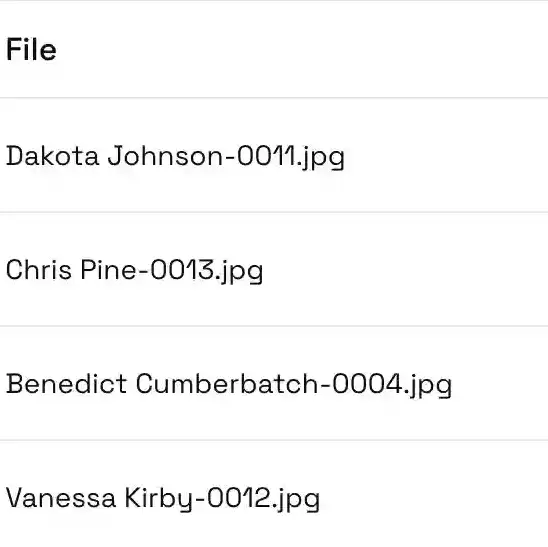
Rename Files on Upload

Use static templates or metadata powered variables to rename new files automatically

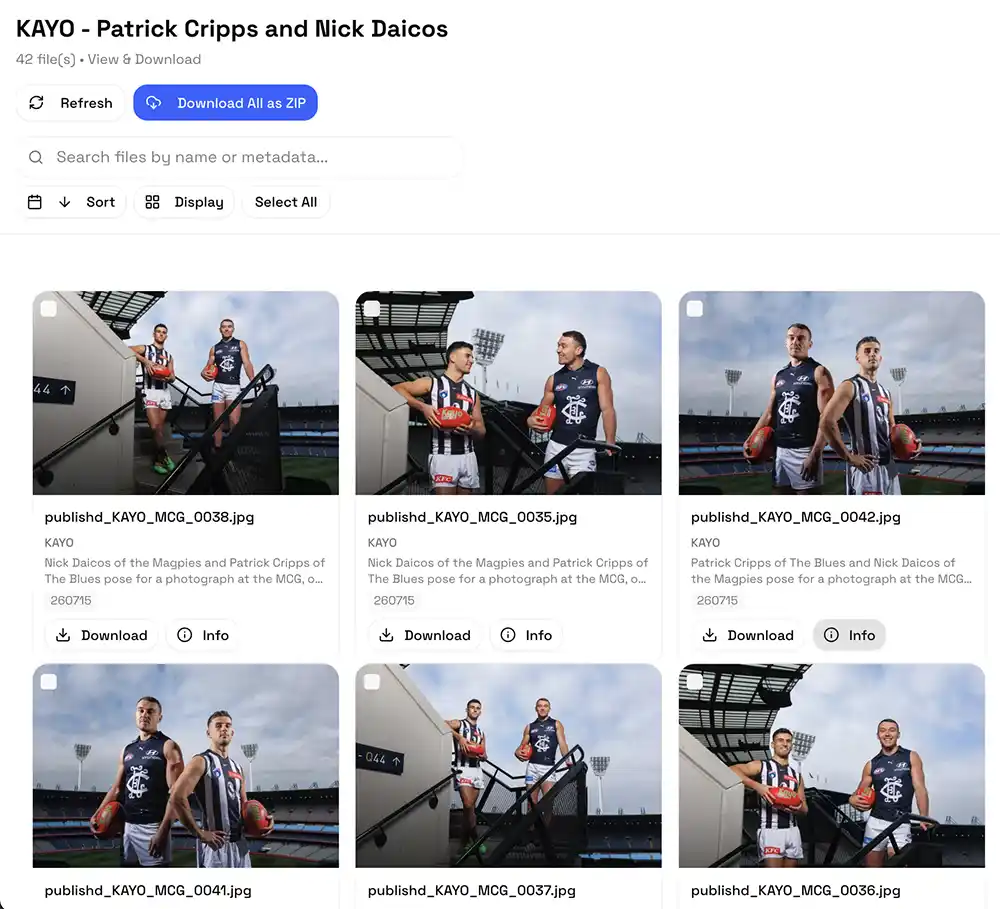
Client Galleries with Metadata Search

Galleries designed to show off your images, with metadata search and rapid downloads

Auto-Downloader Desktop App

The perfect companion for remote editors, automatically download newly uploaded files to work on them instantly

Flexible Storage, Endless Opportunities

Basic

Need to send to multiple destinations? Want to begin implementing AI-captioning into your workflow? Start here.

This includes:

  • 10GB Storage
  • 30GB Monthly Downloads
  • 5 Sync Destinations
  • 1000 Monthly AI Scans (additional scans at $0.01 each)
US$19per month Free for 7 days, then US$19 per month

Pro

For busy professionals, or small teams needing a streamlined workflow.

This includes:

  • 100GB Storage
  • 300GB Monthly Downloads
  • 10 Sync Destinations
  • 4000 Monthly AI Scans (additional scans at $0.008 each)
  • Create up to 10 sub-groups in AI-Caption
  • Access to Auto-Downloader Software
US$39per month

Start with a 7 day free trial to see how we revolutionise your workflow.

Each file transfer using sync counts as 1 download, so if you're sending to multiple clients simultaneously, pick an option with enough monthly bandwidth to accomodate you.

Basic

Need to send to multiple destinations? Want to begin implementing AI-captioning into your workflow?

Start here.

  • 10gb Storage
  • 30gb Monthly Downloads
  • 5 Sync Destinations
  • 1000 Monthly Facial Recognition Scans
    (additional scans at $0.01 each)

Pro

For busy professionals, or small teams needing a streamlined workflow.

  • 100gb Storage
  • 300gb Monthly Downloads
  • 10 Sync Destinations
  • 4000 Monthly AI Scans
    (additional scans at $0.008 each)
  • Create up to 10 sub-groups in AI-Caption
  • Text and Number Recognition Features
  • Access to Auto-Downloader Software

Advanced

For agencies/teams looking to revolutionise their photo delivery workflow.

  • 1TB Storage
  • 3TB Monthly Downloads
  • 15 Sync Destinations
  • 10,000 Monthly AI Scans
    (additional scans at $0.005 each)
  • Unlimited sub-groups in AI-Caption
  • Text and Number Recognition Features
  • Access to Auto-Downloader Software

Frequently asked questions

Here are the most frequently asked questions about us.

Get in touch
Do you have any other questions?
Still need help finding the answer? Chat with our friendly team!
Who is Send Files For?
Send Files is built for professional photographers, and content creators that need the ability to share the highest quality images straight from their camera to clients/the world.

Whilst it was built with photographers in mind, It is open to anybody that needs SFTP/FTP accounts, or the ability to sync files to multiple destinations simultaneously.
Who is behind Send Files?
Send Files is the brainchild of award winning sports and entertainment photographer James Gourley, who works at the highest level of editorial and client photography and has spent years dreaming of better workflow tools, and decided to take action.
Will it work with my camera?
Most modern professional mirrorless and DSLR cameras offer FTP or SFTP file transmission in one form or another. You can see an non-exhaustive list of cameras that support it here.

Each camera and manufacturer have slightly different ways of setting up FTP/SFTP, we recommend looking at your camera manual to see the correct way of getting set up.
How does External Sync Work?
Once you have a Send Files account set up, you'll be able to log into our sync portal here, where you can create new remote destinations. Once this is done, any new files added to your Sync Watch Folder will automatically be copied to any enabled remote destinations you have set up.

Currently we offer support for Dropbox, Box, Google Drive, FTP and SFTP servers, and email delivery.

We are constantly building the next set of features, so if there is a external provider you'd like us to add, let us know at support@send-files.com
What does monthly downloads mean?
Each account has a storage limit, and a monthly download limit that is 3 times greater. e.g. our 1gb storage account comes with 3gb monthly downloads.

This means your 1gb of files can be downloaded 3 times per month.

This means you might not exceed your storage allowance, but if your downloads exceed the monthly limit, you will have to wait until the month resets, or upgrade to a plan with a larger limit.

When using Send Files Sync, each time a file is copied to a destination, it counts as 1 download towards your monthly allowance.
What happens if I need access to more storage or AI scans?
You can upgrade your plan at any time, if you think you might max out our advanced plan, or need a more specific set up, contact us on support@send-files.com and we can look into a specific account for you.
What is a scan?
In our AI-Caption plans, we talk about 'scans'.

Each time an image is sent for facial, text, or number recognition it is scanned and returns a value.

If you send an image for face recognition, it costs 1 scan, plus a scan for each face in the image. So for a photo with 4 people in, it would cost 5 scans.

If you send it for text recognition, it counts as one scan per image

If you send it for number recognition, it counts as a separate one scan per image.

So for an image with 2 people in, that is sent for face, number, and text recognition it would be:

1 base face scan + 2 people returned + 1 number scan +1 text scan = 5 scans total
Can I upgrade later?
Absolutely, you can upgrade at any time by logging into your account here and clicking upgrade.
Do you offer free trials?
Yes! We offer a 7 day trial of our basic plan, which allows you to try all the features risk free.